


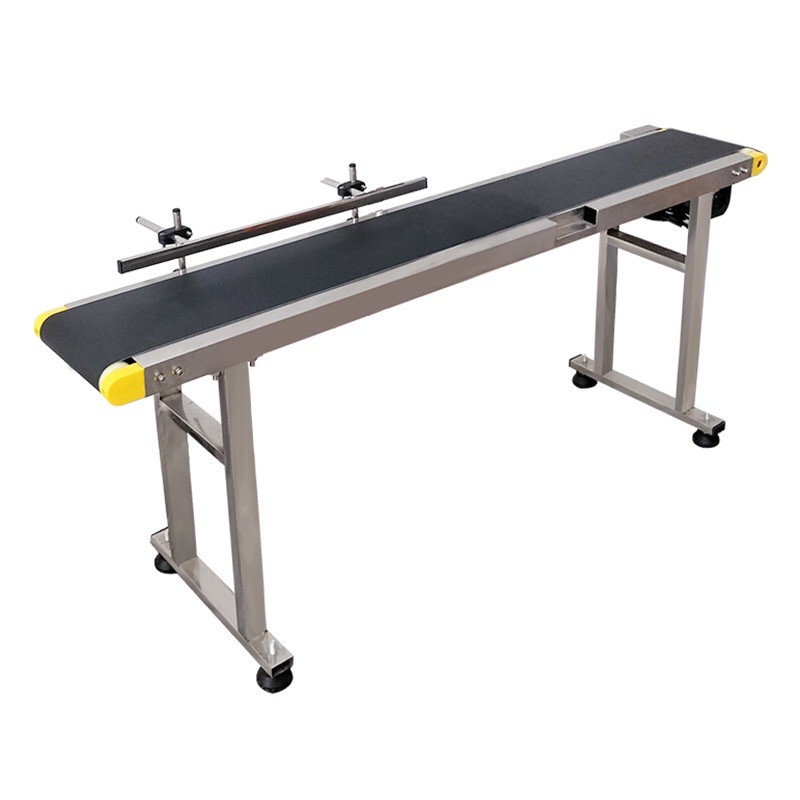
Conveyor Belt
Basic Conveyor Belt Maintenance Guide
Daily Inspection (Quick Checks)
These should be done every day:
-
Belt Condition
-
Check for tears, wear, flattening, or waviness.
-
If the belt drifts to one side → alignment adjustment is needed.
-
-
Belt Surface Cleanliness
-
Dust, grease, or debris can cause:
-
Slippage
-
Reduced belt lifespan
-
Increased motor load
-
-
-
Abnormal Noise
-
Clicking, whistling, or vibration may indicate issues with:
-
Rollers
-
Bearings
-
Motor or drive chain
-
-
Weekly Maintenance
-
Full Cleaning
-
Clean the belt with a damp cloth or cleaning agents compatible with its material (PU / PVC / Rubber).
-
Avoid thinner or gasoline.
-
-
Lubrication of Mechanical Parts
-
Grease bearings, bushings, and drive chains with appropriate grease.
-
Oil any parts according to the machine manual.
-
-
Belt Tension Adjustment
-
Too tight → motor strain
-
Too loose → slippage and improper movement
-
Ideal: belt should have 2–3 cm play in the middle.
-
Monthly Maintenance
-
Roller Inspection
-
Rotate front and rear rollers; they should move freely without sticking.
-
Grinding or squeaking → requires greasing or replacement.
-
-
Alignment (Tracking)
-
The belt must move exactly centered on the rollers.
-
Adjust front or rear roller screws slightly (¼ turn) based on deviation direction.
-
-
Edge Inspection
-
Worn edges indicate misalignment or incorrect tension.
-
Quarterly Maintenance (Every 3 Months)
-
Motor and Gearbox Check
-
Abnormal noise → insufficient grease or gear issue
-
Touch motor after operation; it should not be excessively hot
-
-
Full Fastener Check
-
Tighten screws, bases, frame, and guards
-
Excessive vibration can tear the belt or damage the motor
-
-
Electrical Check
-
Inspect cables, sensors, PLC, control panel, and loose connections
-
Belt Longevity Tips
-
Prevent Sharp Objects
-
Avoid dropping sharp or metallic items on the belt; even small objects can cause linear tears
-
-
Avoid Oil and Solvents
-
Most PVC and PU belts are sensitive to oil/solvents
-
In oily environments, use oil-resistant belts
-
-
Dust Protection
-
Use a lightweight polycarbonate cover in production areas to double belt life
-
Special Notes for Jet Printer Conveyor Belts (TIJ / CIJ)
-
Maintain Constant Height
-
Even a 2–3 mm difference affects print quality
-
-
Keep Belt Speed Constant
-
Vibration or speed changes → ink spreading, misaligned or double printing
-
-
Clean and Smooth Surface
-
Any stain or bump → vibration under the printhead → reduced print quality
-
-
Belt Must Operate Without Slipping
-
Slippage causes misalignment with photocells and printing errors
-