


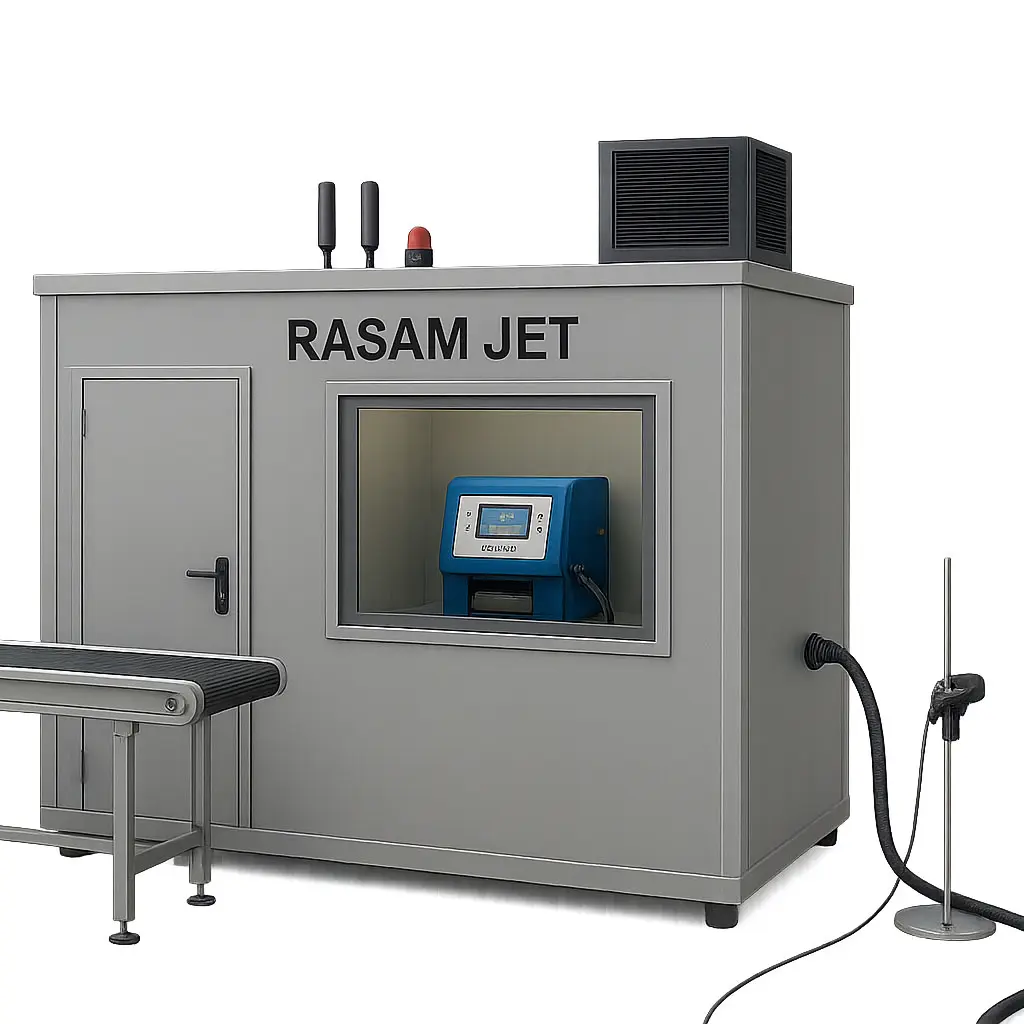
Jet Printer Storage Enclosure
Maintenance Guide for Jet Printer Enclosure
1. Standard Environmental Conditions
a. Temperature
-
Maintain 18–25°C.
-
Avoid temperature fluctuations (no direct heating or cooling).
b. Humidity
-
Maintain 40–60%.
-
Below 30% → printhead and ink may dry out.
-
Above 65% → board damage and paper jams may occur.
c. Ventilation
-
Ensure gentle, uniform airflow.
-
Use a quiet fan with a dust filter.
-
Air should not blow directly onto the printer.
2. Interior of the Enclosure
a. Printer Placement
-
Place the printer on a stable, flat, vibration-free surface.
-
Recommended clearances:
-
Rear: 10–15 cm
-
Sides: 20 cm
-
Top: 30 cm
-
b. Surface Material
-
The floor or table should not absorb moisture.
-
Preferably use laminated MDF or painted metal.
c. Lighting
-
Indirect light, no direct sunlight.
-
If there’s a window → install curtains or a UV filter.
3. Dust Control
a. Air Intake Filter
-
Use a simple HEPA or mesh filter at the air intake.
-
Clean or replace every 1–2 months.
b. Weekly Cleaning
-
Wipe around the printer with a lint-free cloth and use compressed air.
-
Vacuum the floor once a week.
4. Security and Data Protection
a. Power Protection
-
Use a small UPS (500–800 VA) to prevent:
-
Sudden power-offs
-
Damage to stored settings
-
b. Electronics Ventilation
-
Overheating can erase some settings in certain models.
5. Consumables Storage in the Enclosure
a. Cartridges and Extra Ink
-
Store in a closed cabinet, away from light.
-
Temperature: 18–25°C
-
Store upright, not lying down.
b. Paper
-
Keep paper in its original plastic cover.
-
Moisture absorption can cause jams and blurred printing.
6. Standards for Industrial Jet Printers (CIJ / TIJ)
-
Enclosure air should be free of solvent vapors.
-
Ventilation should maintain balanced pressure to prevent solvent odor spread.
-
For CIJ printers, a stable temperature of 20–22°C is optimal.