


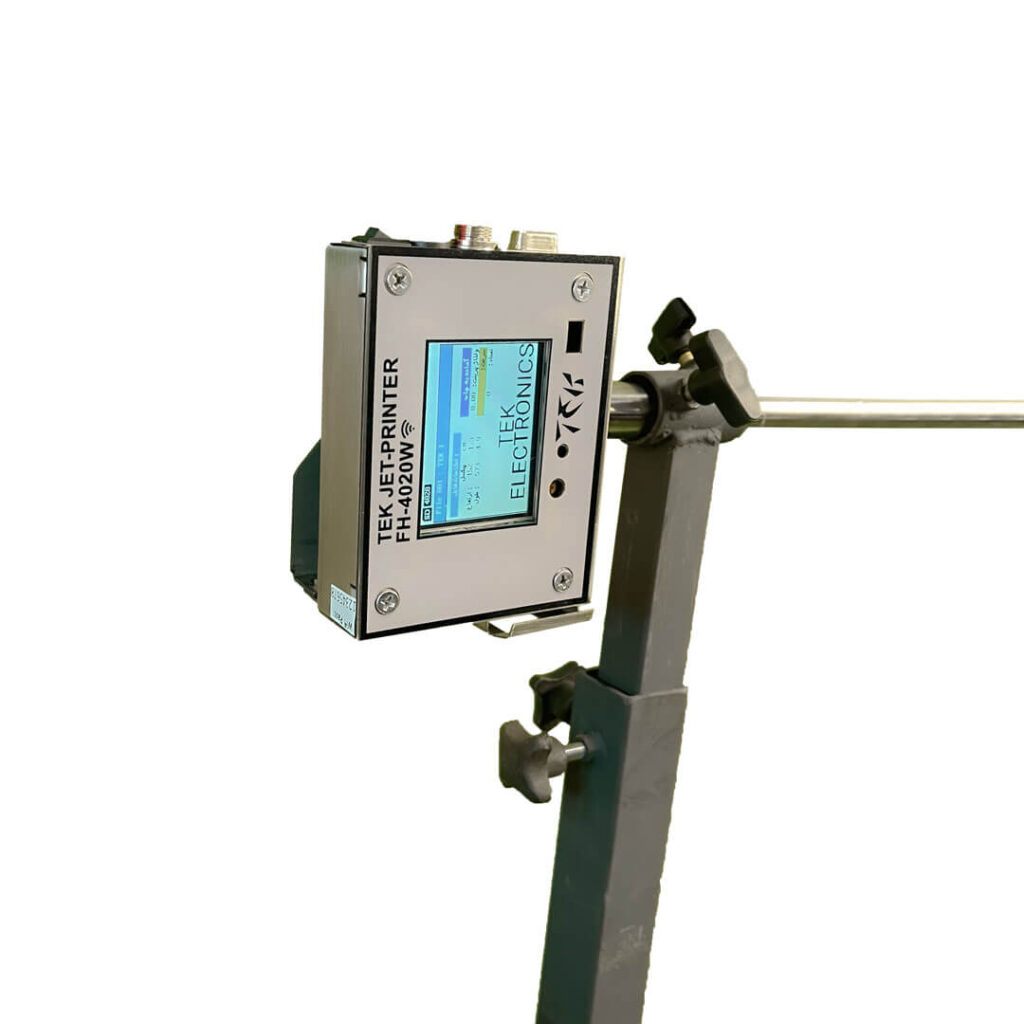
Printer Stand
Maintenance Guide for Industrial Jet Printers
1. Printhead and Cartridge Maintenance
a. Preventing Ink Drying
-
Perform a small test print every 3–5 days.
-
If you won’t be printing for a long time, do not turn off the printer (some models automatically clean the printhead).
b. Cleaning the Printhead
-
Use the Head Cleaning / Deep Cleaning option in the printer software.
-
Never touch the printhead directly with a dry cloth or alcohol.
c. Using High-Quality Ink
-
Counterfeit or low-quality ink can cause:
-
Clogged printheads
-
Sensor damage
-
Reduced print quality
-
2. Software Maintenance (to preserve settings and stored data)
a. Saving Printer Settings
-
In Windows: use Export Printer Settings.
-
On industrial models, use the device menu: Backup → Save Config.
-
Store the settings file on a USB or computer for future recovery.
b. Updating Software and Drivers
-
Every few months, update from the manufacturer’s website:
-
Firmware
-
Driver
-
Software Utility
-
-
This prevents software errors and settings loss.
3. Physical and Environmental Maintenance
a. Temperature and Humidity
-
Temperature: 18–25°C
-
Humidity: 40–60%
-
Too dry → ink dries
-
Too humid → board damage
-
b. Dust Control
-
Clean the area around the paper feed weekly using compressed air or a lint-free cloth.
c. Proper Placement
-
Avoid placing the printer near windows, direct sunlight, or heating devices.
4. Paper and Feed Path Maintenance
-
Use high-quality, dry paper.
-
Keep paper in its cover to prevent moisture absorption.
-
Clean the paper feed path monthly.
5. Preventing Common Problems
a. Clogged Nozzles
-
Regular test prints
-
Proper ink storage
-
Avoid low-quality ink
b. Storage or Settings Errors
-
Backup settings regularly
-
Avoid sudden power-offs
-
Keep software up to date